vibecoding a gameboy emulator
i have a Hack Club Sprig: a small handheld with a Raspberry Pi Pico (an RP2040 chip) inside, a 160 × 128 screen, eight buttons and a speaker and i got it playing GB and GBC games.
claude wrote the emulator, the firmware, the web page for uploading games and the test tools and i was deciding what to build, testing every build on the real Sprig and reporting what was wrong.
how it started
when i started i didnt even start with gameboy, i just asked claude to make a 3d renderer that streams to a window on my pc because the pico was somewhere and the sprig handheld itself was in another place, then i just remembered that i had the sprig and asked claude to make the code stream it directly to the sprig's screen
i was just wandering on the internet on what i could do with the pico because its kinda weak for insane stuff, but i remembered that gameboy exists so i prompted claude to write the emulator.
before we continue, let me explain to you what the gameboy is TECHNICALLY (not definitively): the gb has a 4 megahertz cpu that runs opcodes which are onebyte instructions, it also has the ppu which is another chip that draws the screen ONE LINE AT A TIME (the ds does the same). now, i want you to know that the games are in cartridges that have a mapper chip that swaps 16 kilobytes of the game IN and OUT because the cpu only sees 32 KB at once. now i want you to remember that part: "the cpu sees 32kb at once".
the pico has 2 cores so i split them into one that runs the emulator itself and the other shrinks the 160x144 gameboy screen to the 128 rows we have and sends it out (ppu)
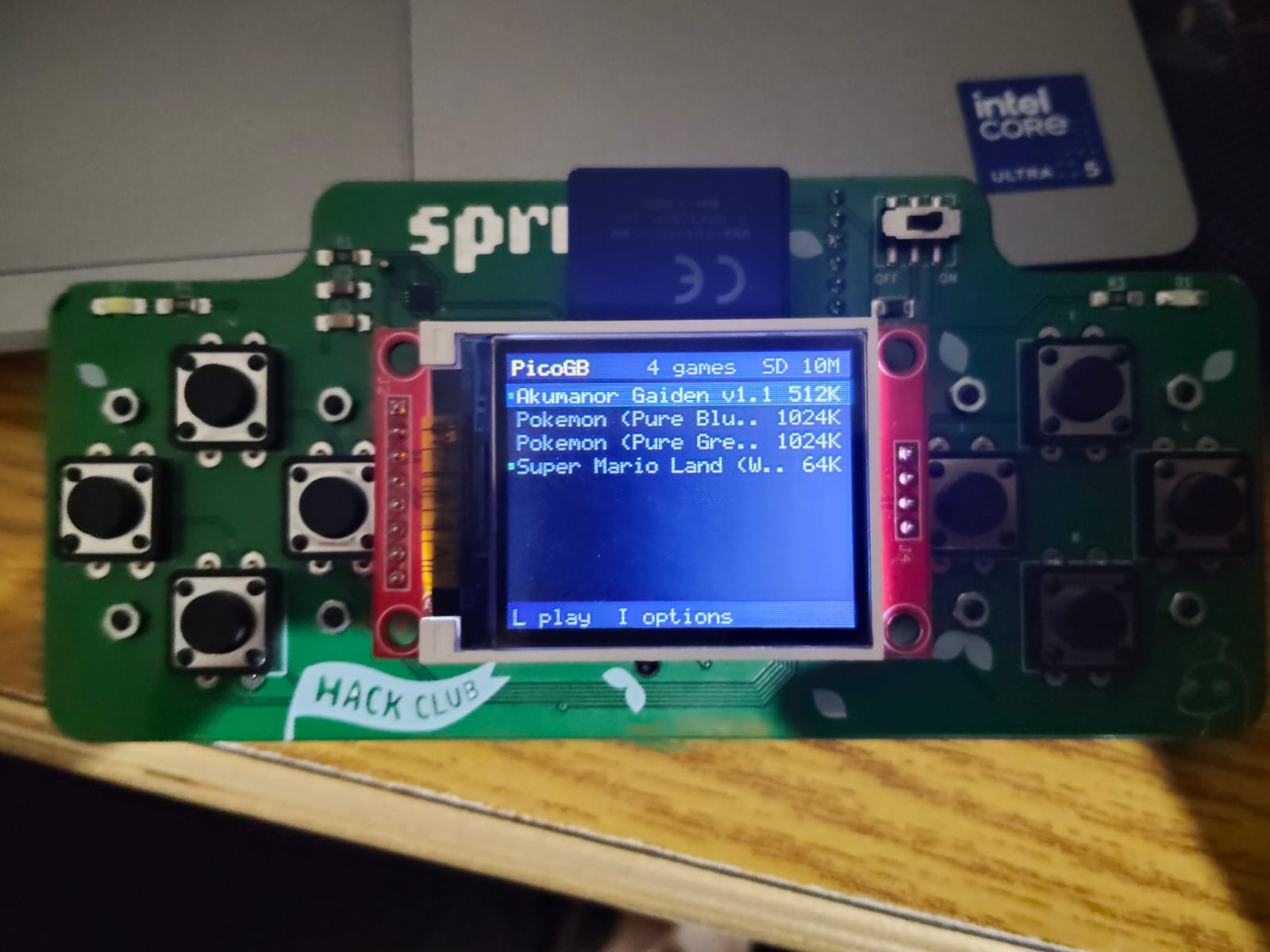
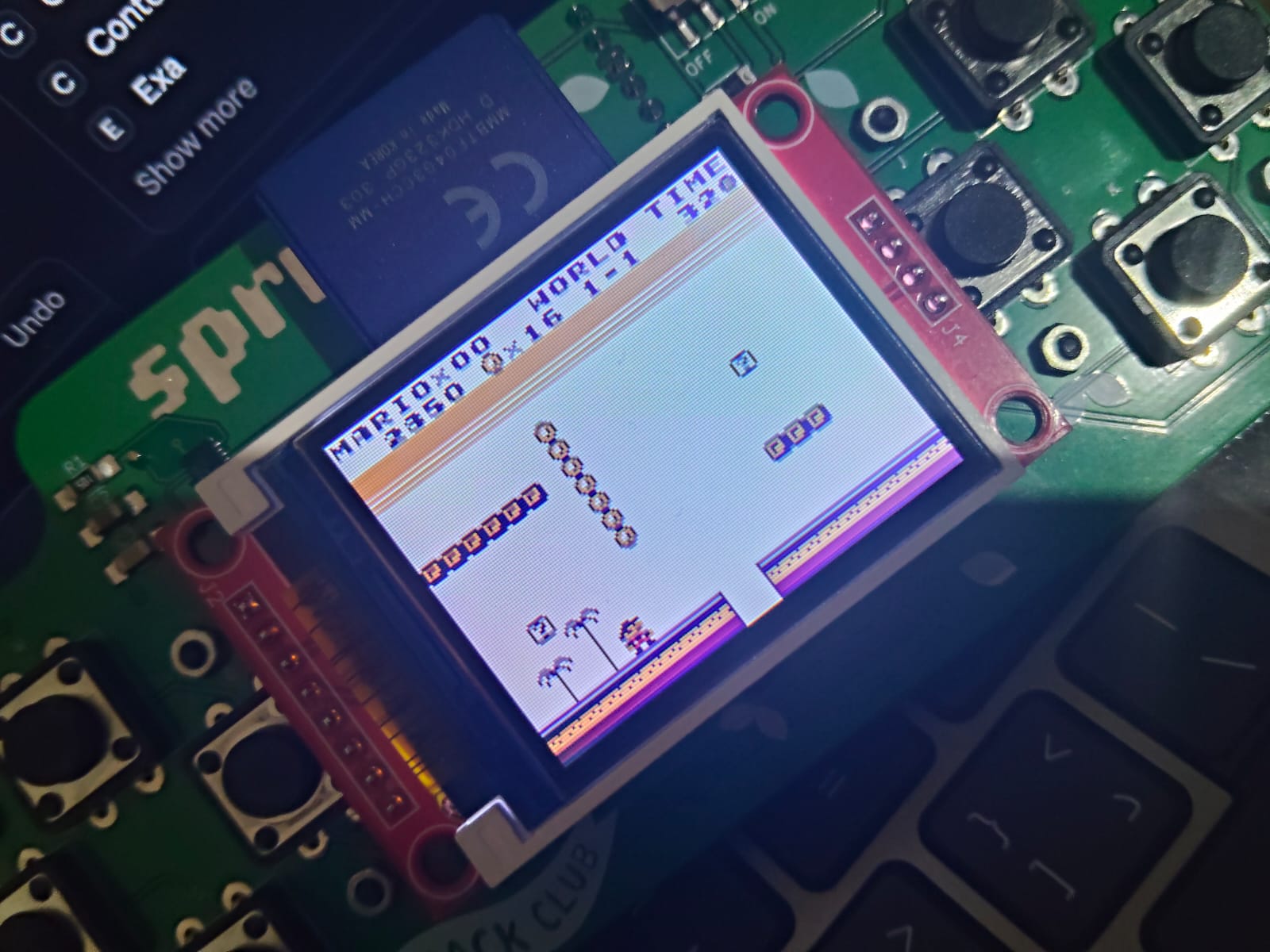
i added super mario land, two pokemon hacks and akumanor gaiden to test the emulator
the storage problem
at first the games had to live in the pico's flash, which is only 2 MB, and the program itself sits in there too. so i had like 1.5 MB left for games and NO room for save states at all.
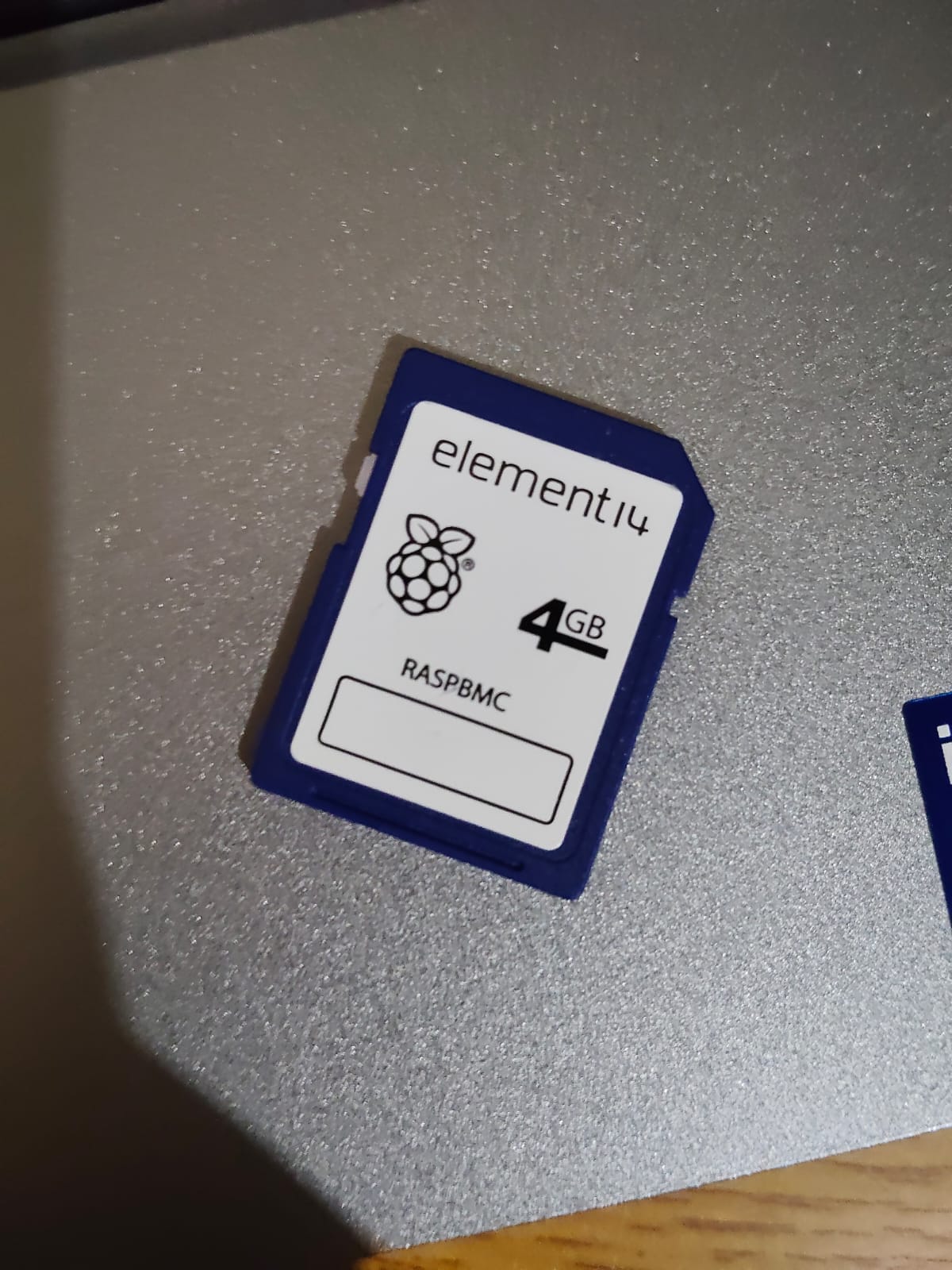
the screen board has an sd card slot on the back but i didnt have a card for it. then my father told me he had one, an old 4 GB raspberry pi card, and it actually fit. it still has all the raspberry pi files on it, so picogb keeps everything inside its own PicoGB folder.
the plan was to put the game library, the saves and the save states on the card, and when you launch a game it gets copied into flash, kinda like putting a cartridge in.
the first problem was the sd library throwing error 0x09. let me explain: the screen and the sd card share ONE data bus (the same wires the pico uses to talk to both). every time the pico sends something to the screen, a receive buffer fills up with junk at the same time, and the sd code was reading that junk as if it was the card replying. the fix was just emptying that buffer after every screen transfer.
the bugs i found by playing
i played every build on the real sprig and told claude whatever felt wrong, these are the big ones:
- the audio kept glitching. it was THREE things at once. the menu keys were muting the volume by accident. pokemon uses its save ram as scratch space (basically a notepad it writes to all the time), so the emulator kept rewriting the whole save and that froze the game for around 190 ms, now saves go out one 512 byte block per frame. and the drawing was just too slow.
- every game turned green. two menu keys were silently changing the palette. also i didnt even know what an original gameboy looked like, it doesnt have colors, its just four shades. now games use the white palette by default, every game can have its own tint, and color games get their real colors.
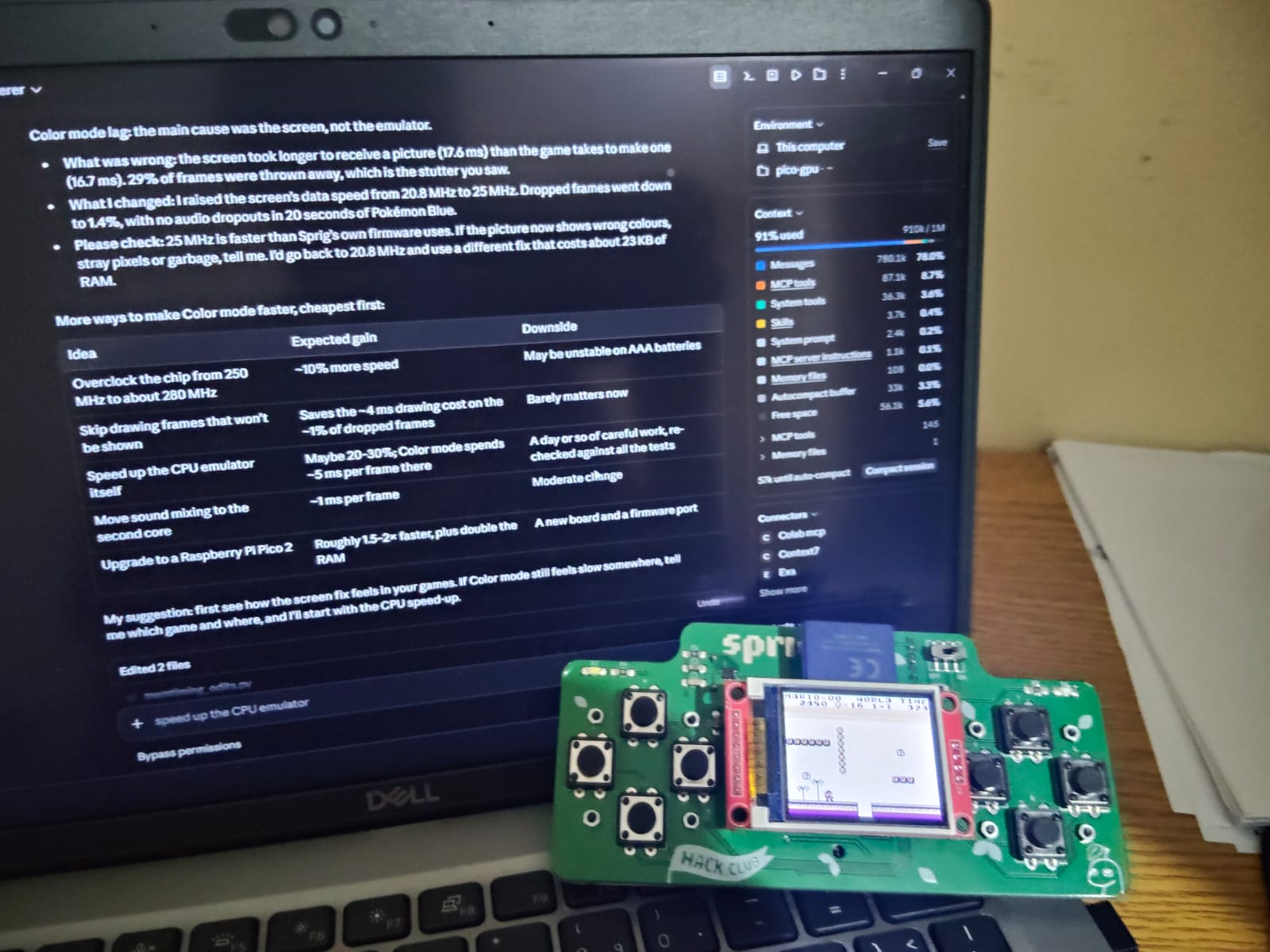
- color mode felt laggy. 29% of the frames were getting thrown away, because the screen took 17.6 ms to receive one picture while the game makes a new one every 16.7 ms, so it just couldnt keep up. raising the screen's data speed from 20.8 megahertz to 25 megahertz brought that down to 1.4%.
- the bottom right of the menu flickered. the menu was drawing into the same picture the other core was still sending to the screen. now the menu draws into a second picture.
making it right, then fast
blargg's test roms are tiny programs that check the cpu in detail and print if it passed or not. i asked for ALL of them to pass, on my pc and on the sprig.
| test | on my pc | on the sprig |
|---|---|---|
| blargg's four cpu tests | passed | passed |
| dmg-acid2 (graphics) | pixel-exact | pixel-exact |
| cgb-acid2 (color graphics) | pixel-exact | not run |
the acid2 ones draw a smiley face that only comes out right if the ppu gets every detail right, and pixel-exact means it matched the reference picture pixel for pixel.
mem_timing failed at first. the timer has to be up to date at the exact cycle INSIDE an instruction when the game reads it, and it wasnt.
then i wanted it FAST. pokemon pure blue (one of the hacks) took 15.0 ms per frame and now it takes 10.4 ms, way under the 16.7 ms a frame gets. the biggest reason was that part of the emulator was still running from flash. the pico reads flash through a small cache (a tiny bit of fast memory that keeps what was used recently), and the game's rom kept pushing the emulator out of it. moving that code into ram made drawing about 3 times faster, from 6.6 ms to 2.2 ms per frame.
the frame pacing was off too. the frames were waiting on the sound buffer, so around every seventh frame came 7.8 ms late. now frames are timed by the clock, and a 30 second run had ZERO late frames.
to make sure all the speed stuff didnt break anything, claude compared the picture and the sound frame by frame against the old version on 719 homebrew games. all 719 matched.
big games and free games
i asked claude to grab a bunch of games from rom sites and it refused to download commercial games because theyre still under copyright. so it wrote a script for homebrew hub instead, which is an archive of free games people made for the gameboy, and that pulled down 1,115 games.
now, remember that part i told you to remember? the cpu only sees 32 KB at once. that means a game never needs ALL of itself at the same time, only the banks its looking at right now. so games up to 8 MB run now: the first 1.8 MB goes in flash and the rest gets read from the sd card in 4 KB pieces whenever the game asks for them.
those reads took up to 32 ms at first, because to find a spot in the middle of a file, the card's file system has to walk the file's chain from the START, every single time. mapping the file once when the game launches brought every read down to about 4 ms. i tried a 2 MB game (dawn will come) and a 4 MB one (cosmoctopus).
whats still not done
- some color games run in double speed mode (the gbc can run its cpu twice as fast) and they have scenes that take longer than one frame, so they slow down and the sound crackles. tobu tobu girl deluxe has a part with 20.8 ms frames. making the cpu emulation faster is next.
- games that change colors halfway down the screen look a bit off.
- if you dont have an sd card, theres no save states and no games over 1.8 MB.
the code is on github: zeyadhost/picogb
thanks to hack club for the sprig that started all of this.