plistcheck
checks an opencore config.plist against the hardware you pick, in the browser. the file never leaves your device.
if you don't have a config, the page has a "try an example" button.
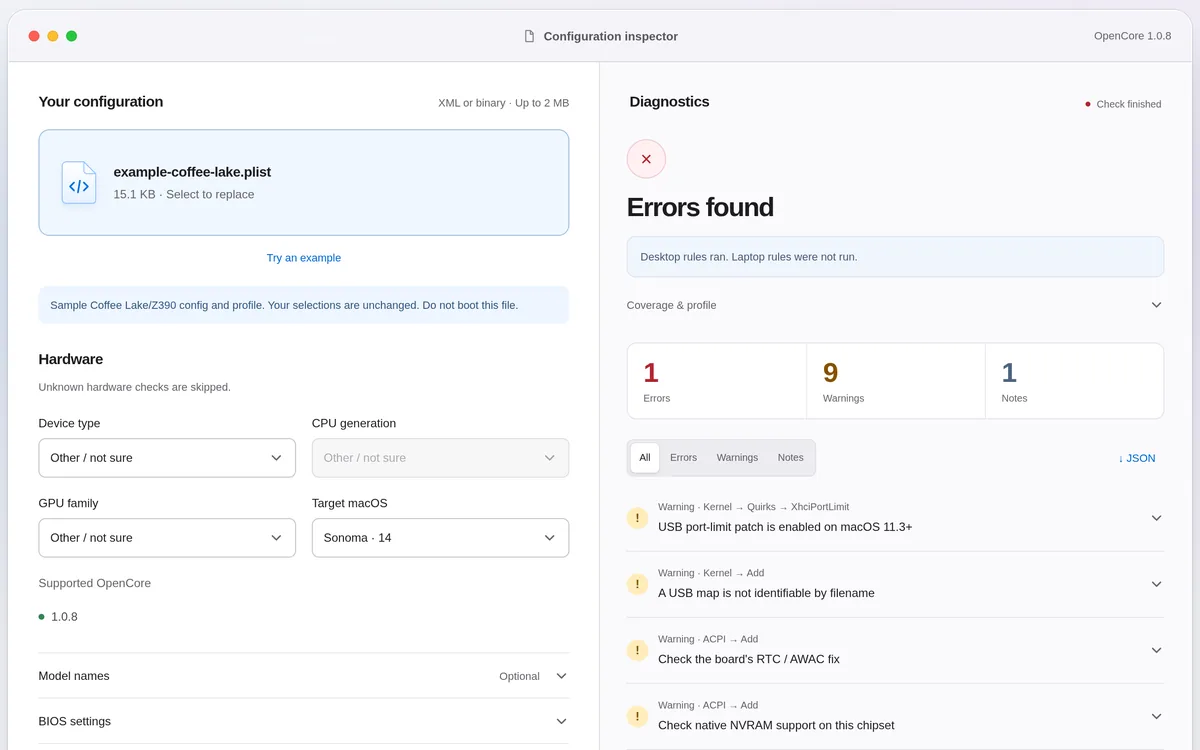
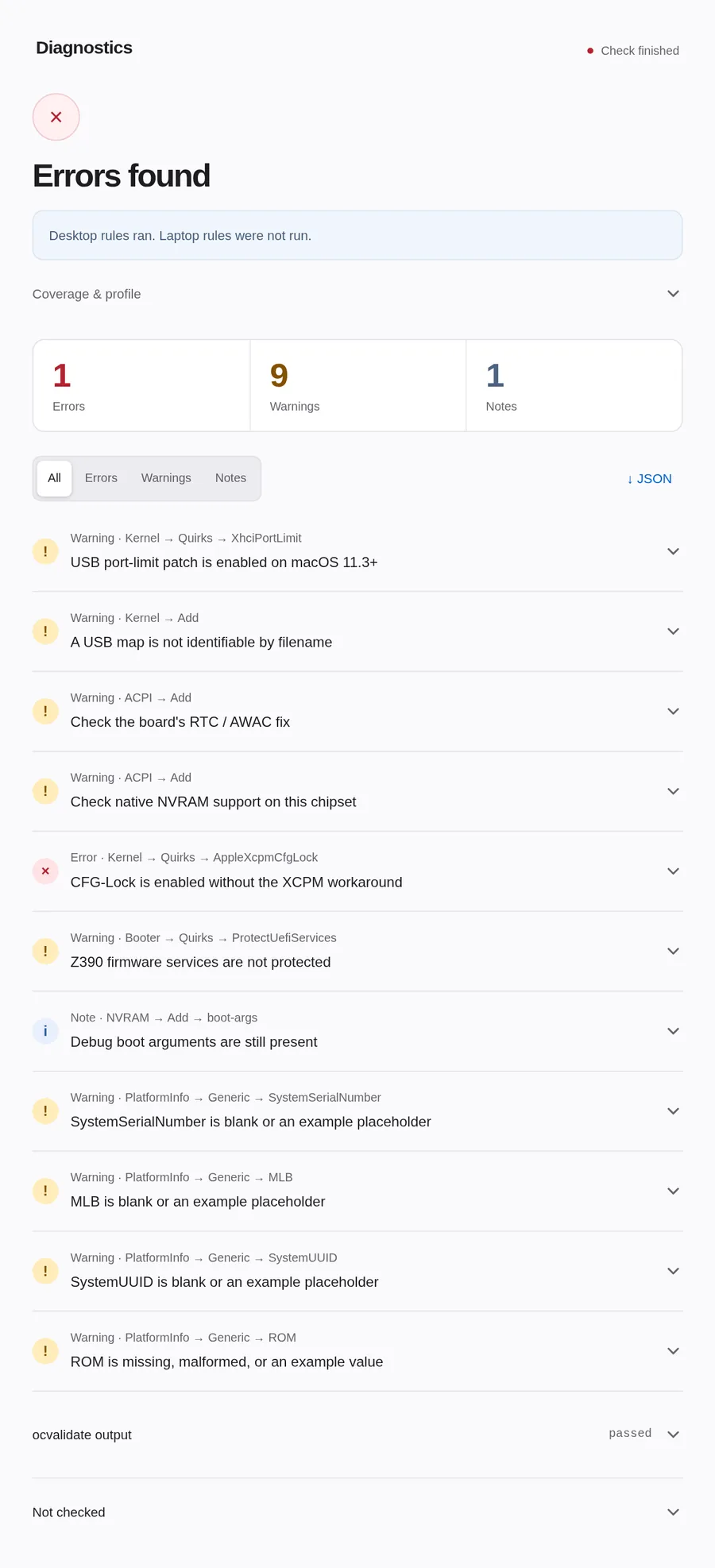
pick an xml or binary plist, choose your hardware and target macos, and plistcheck shows every finding with a link to its source. the official opencore 1.0.8 validator is compiled from unchanged sources to webassembly, and the hardware rules run in python through pyodide, all inside a browser worker.
a valid plist can still fail to boot, so keep a known-good efi backup. the page shows what it could not check.
Facts
- validator - official opencore 1.0.8 ocvalidate, compiled to webassembly
- runtime - pyodide 0.27.7, about 16 MB on the first check
- desktop rules - intel haswell to comet lake, amd zen
- laptop rules - intel haswell to ice lake
- limits - 2 MB per file, 8 seconds per check
- server - none, it all runs in a browser worker